
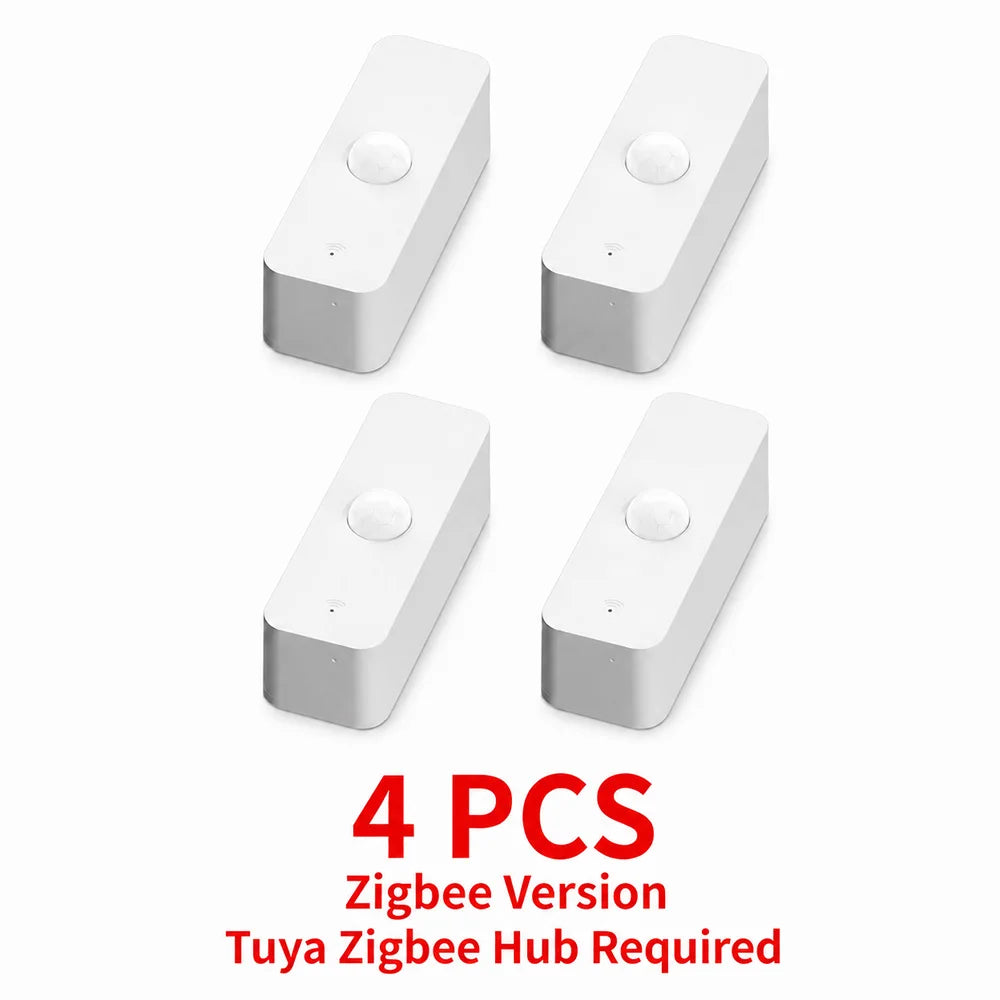
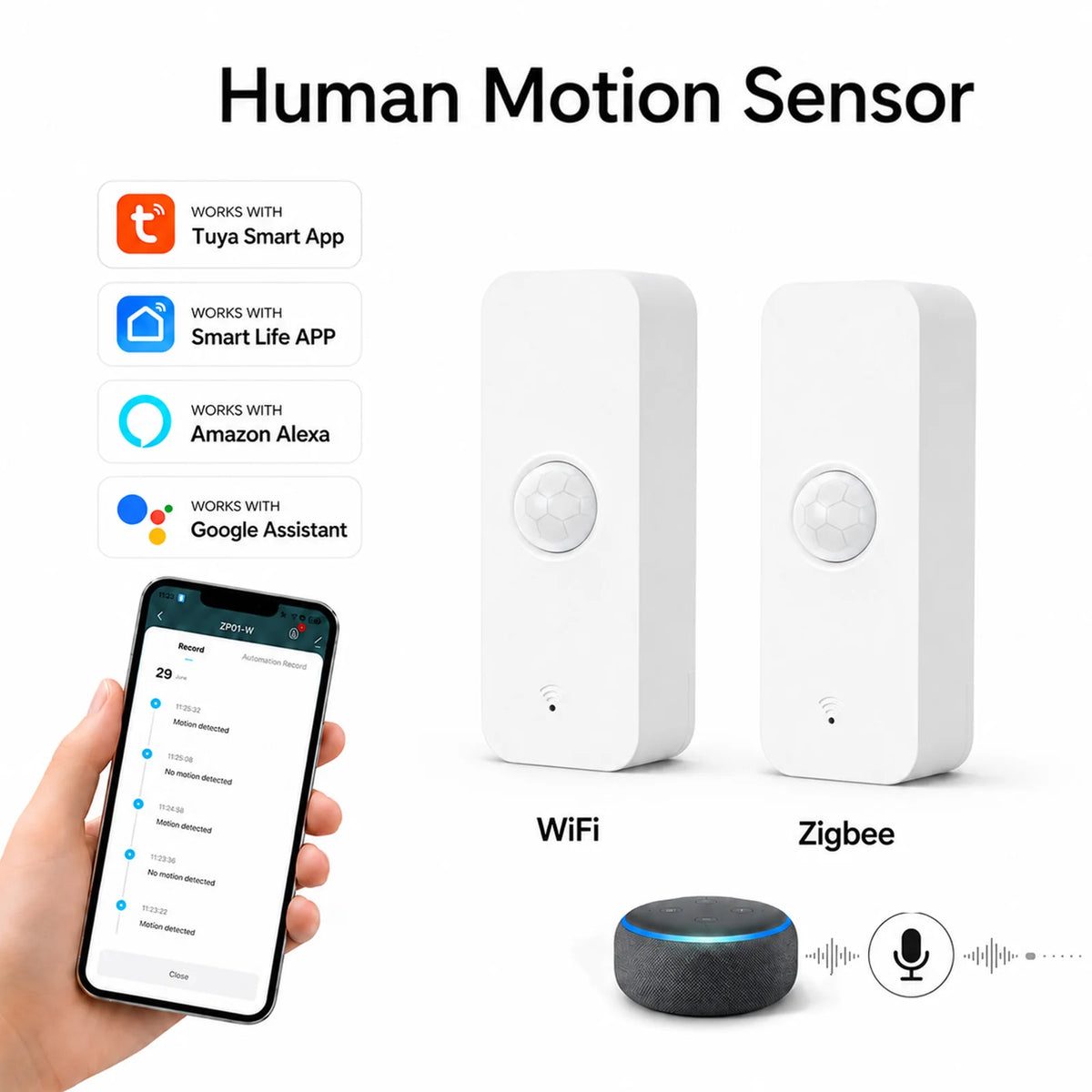

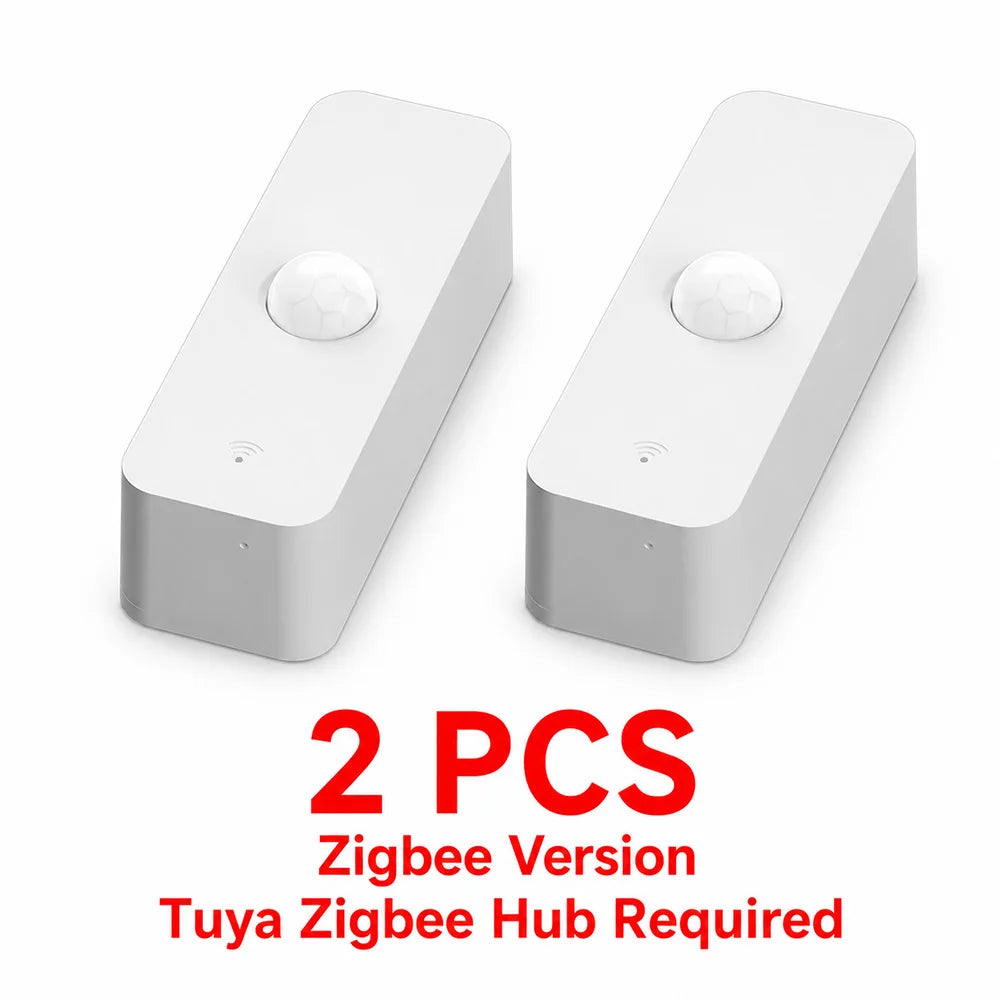
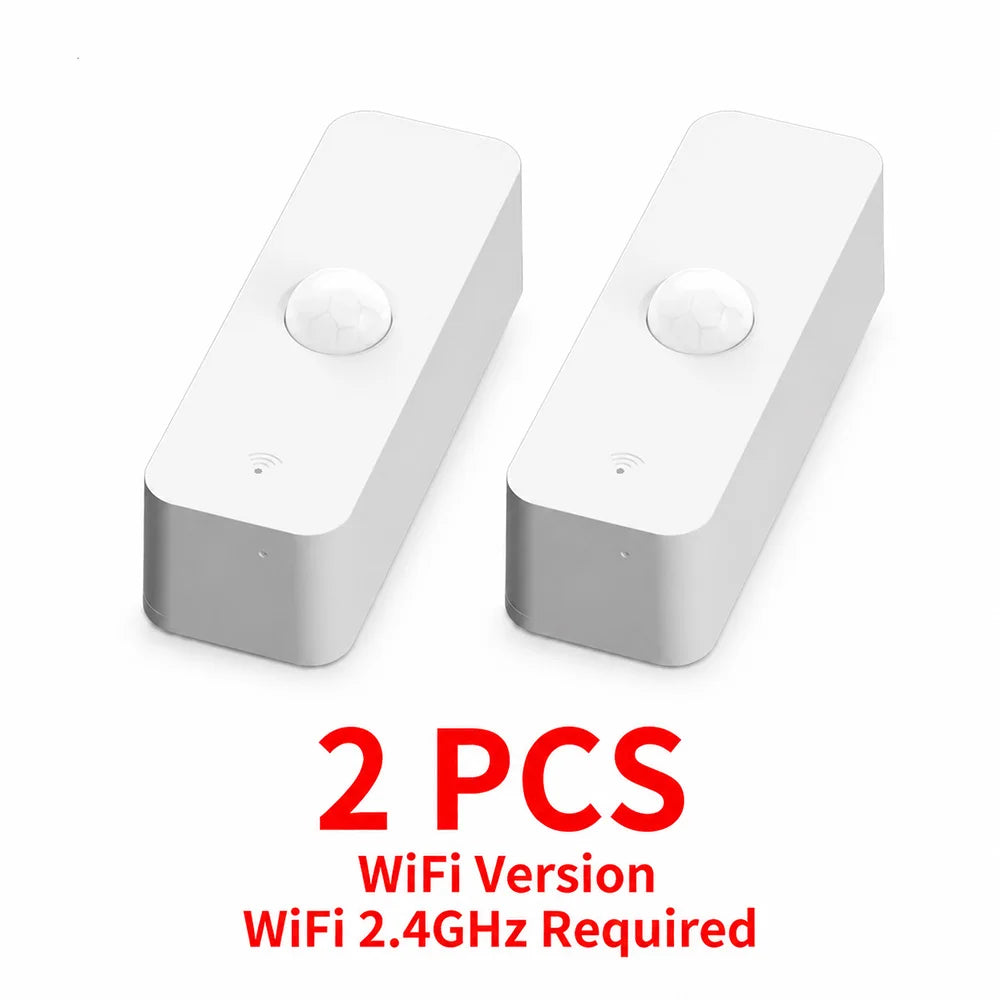


Tuya Zigbee WiFi PIR Motion Sensor Smart Home Infrared Human Body Detector Security Alarm Works with Alexa Google
Description
SPECIFICATIONS
Choice: yes
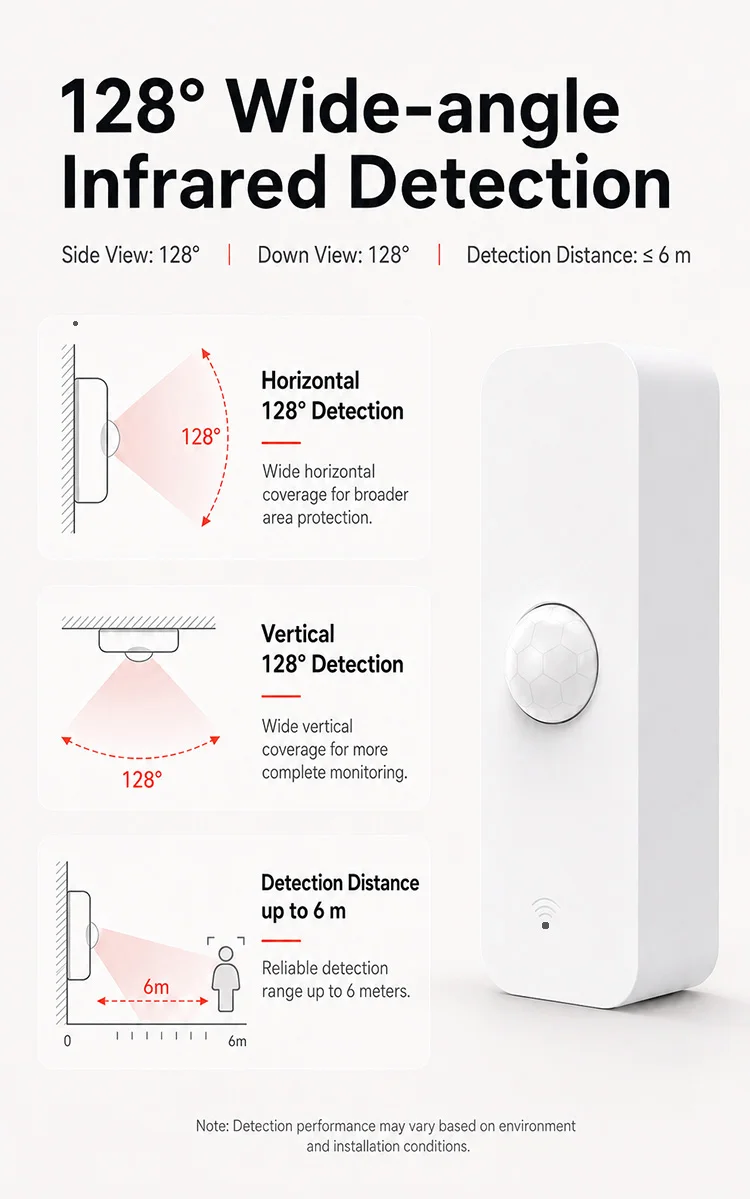
Detection Angle: 128°
Detection Range: 6m
High-concerned chemical: None
Model Number: ZP01
Power Supply: LR03-1.5V/AAA*2(not included)
Smart home platform: alexa,Google Assistant,Tuya,Other
Wireless Type: WiFi 2.4GHz / Tuya Zigbee
semi_Choice: yes
NOTE
Aboute Zigbee Version
1. The Zigbee Version Sensor uses the Zigbee protocol and cannot be linked to WiFi.
2. The Zigbee Version Sensor require Tuya Zigbee Hub or Tuya Multi-mode gateway. Other gateways are not supported.
3. Creating Routes on Alexa is not supported.
4. The Zigbee Version sensors can be linked to Alexa with Zigbee Hub(Echo 4th Generation/Echo Plus/Echo Show 10 (all models except 1st Generation)/Echo Studio).
5. The battery is not included in the package.
About WiFi Version
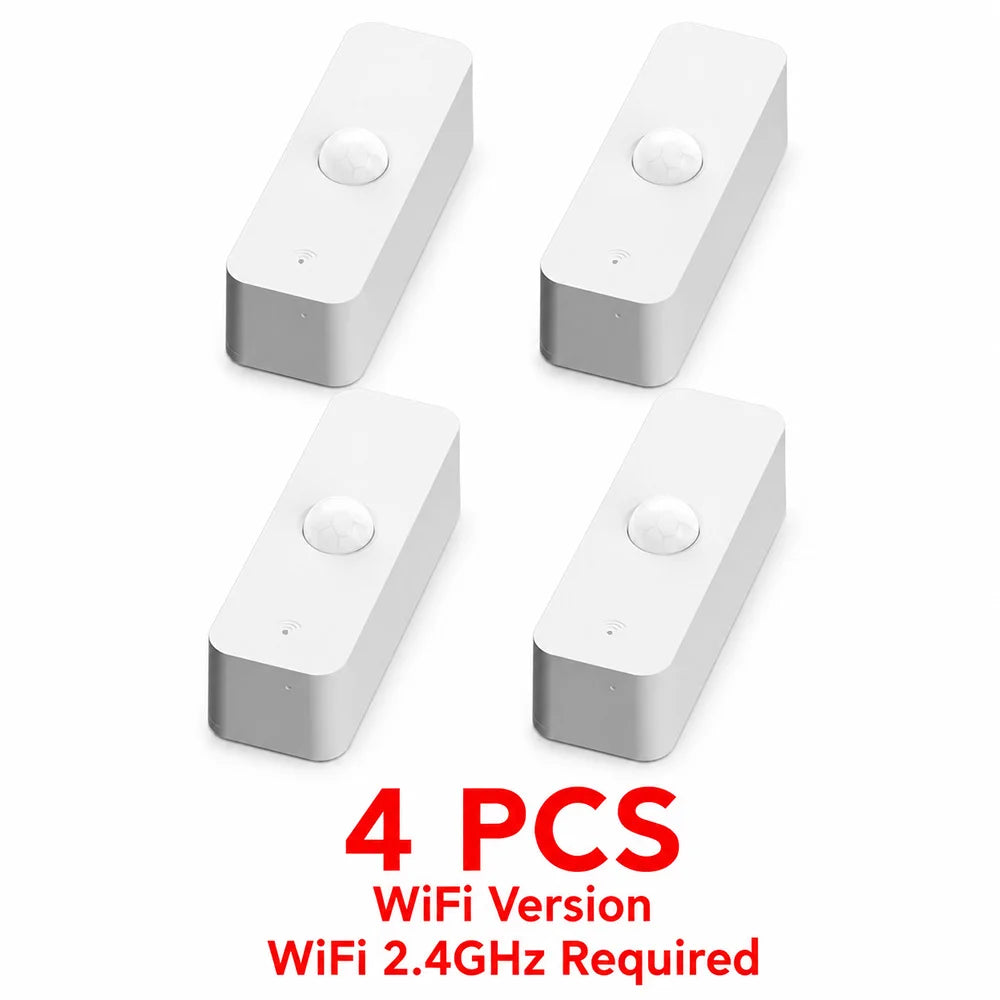
1. The WiFi Version Sensor connnect to WiFi 2.4GHz, Do not need hub.
2. Creating Routes on Alexa is not supported.
3. The battery is not included in the package.
About Monitoring Principles
1. The sensor uses infrared background radiation as the inspection principle.
2. During installation, it is necessary to avoid direct sunlight and other heat sources, as they may interfere with the inspection results.
3. It can only check the changes in background radiation and cannot monitor the movement of background radiation.
4. In order to avoid duplicate alarms, we made logical judgments internally:
--a. If the previous state is "no one state", upon detecting someone, immediately report an alarm and set the state to "Human status". At the same time, turn on the 30 second "Human status countdown" timer, and do not check again before the timer ends.
--b. If "Human status countdown" timer stop ,if there is still someone present, restart "Human status countdown" timer for 30 seconds.
--c. If "Human status countdown" timer stop ,If it remains no nobody for 10 seconds, the sensor sets the status to "no one state" and reports the information.
So it is incorrect to test immediately by waving your arms after the configuration is completed.
The correct testing method should be to completely leave the sensor for at least 40 seconds before reappearing within the sensor's detection range.
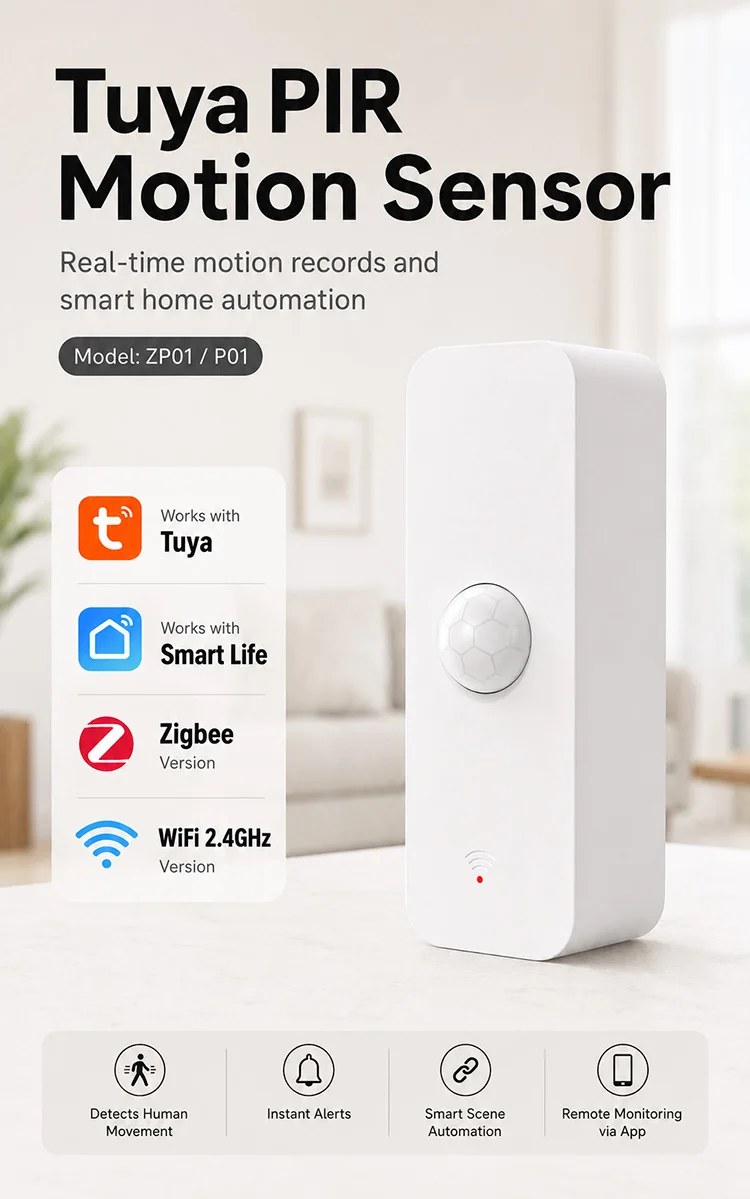
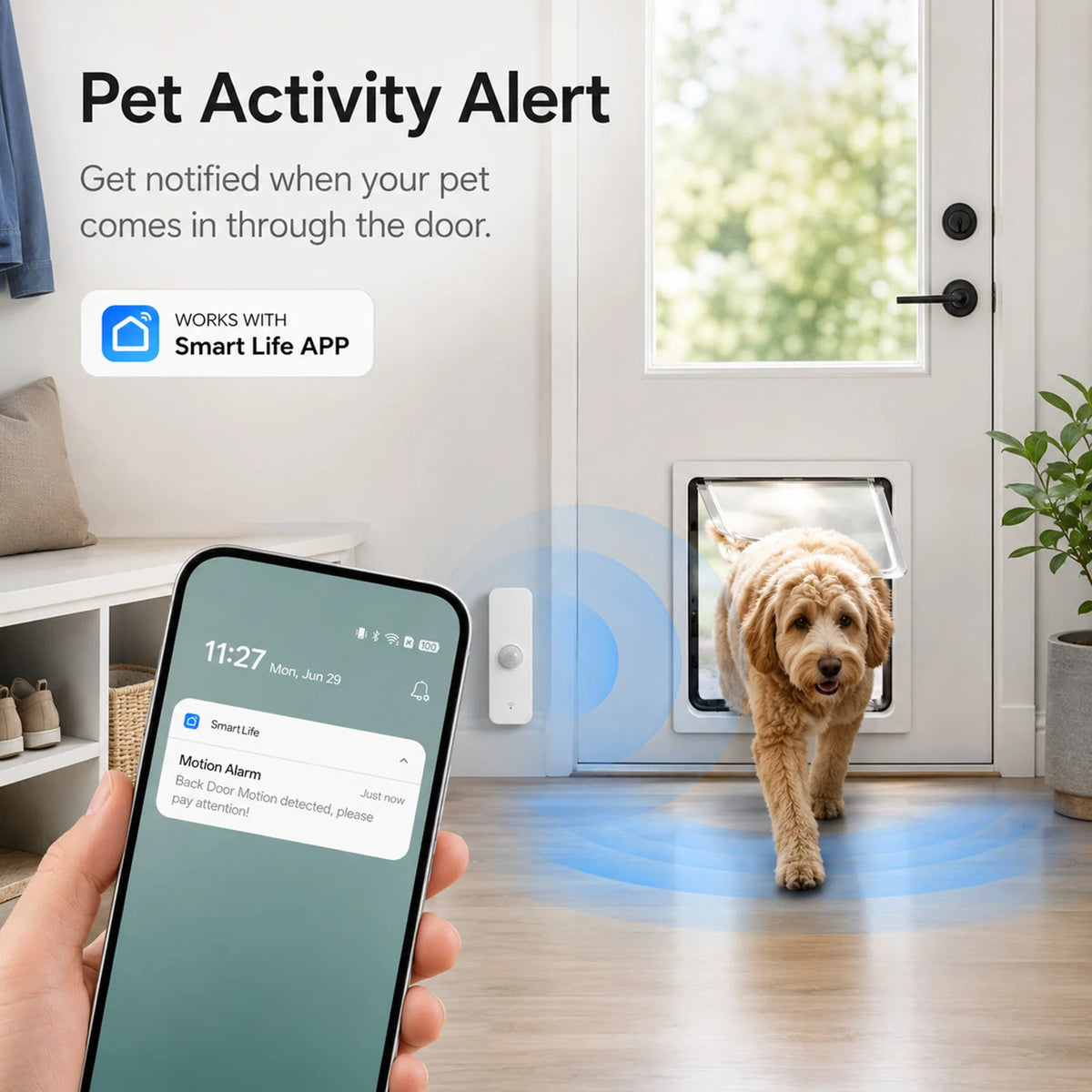
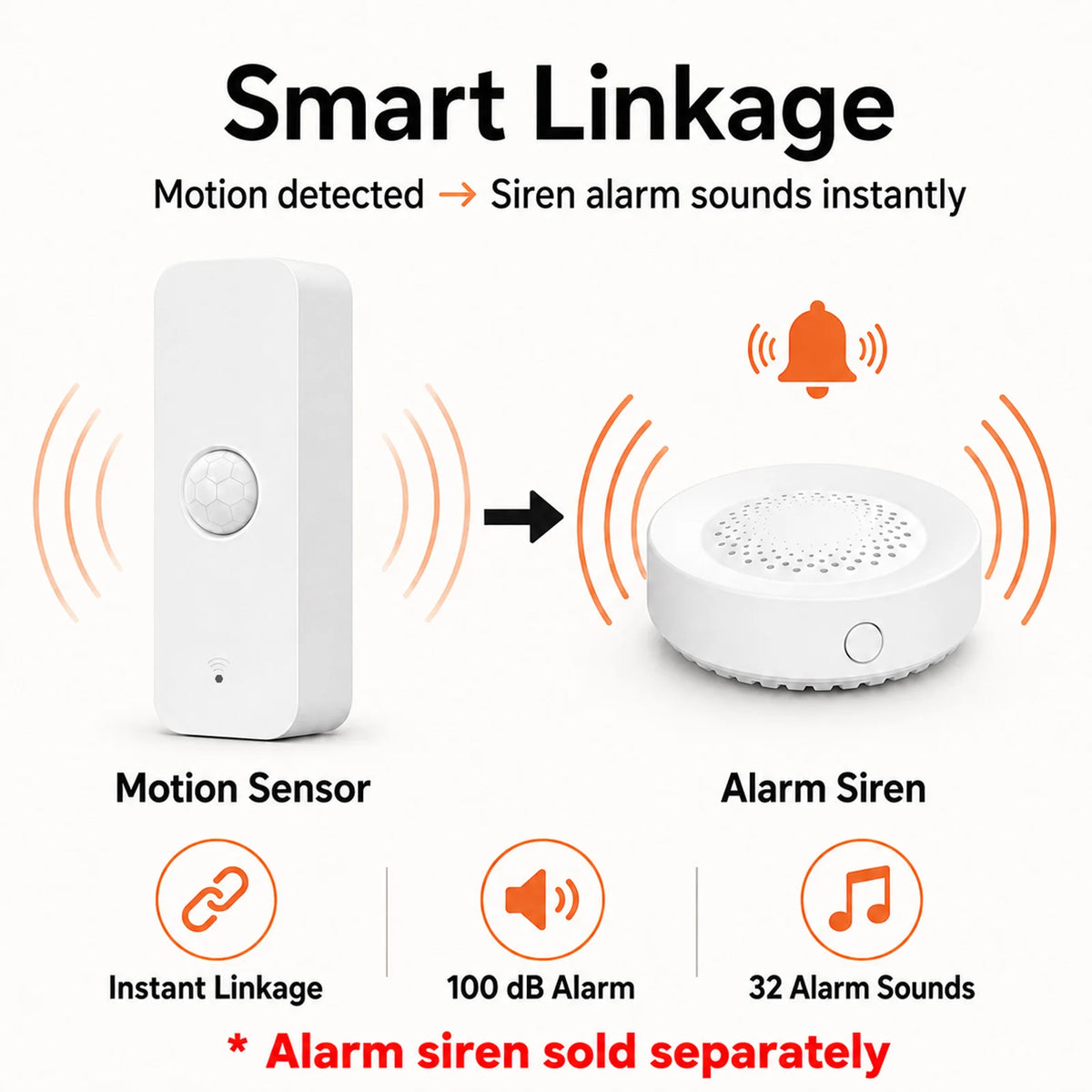
Scene linkage with other Tuya smart devices
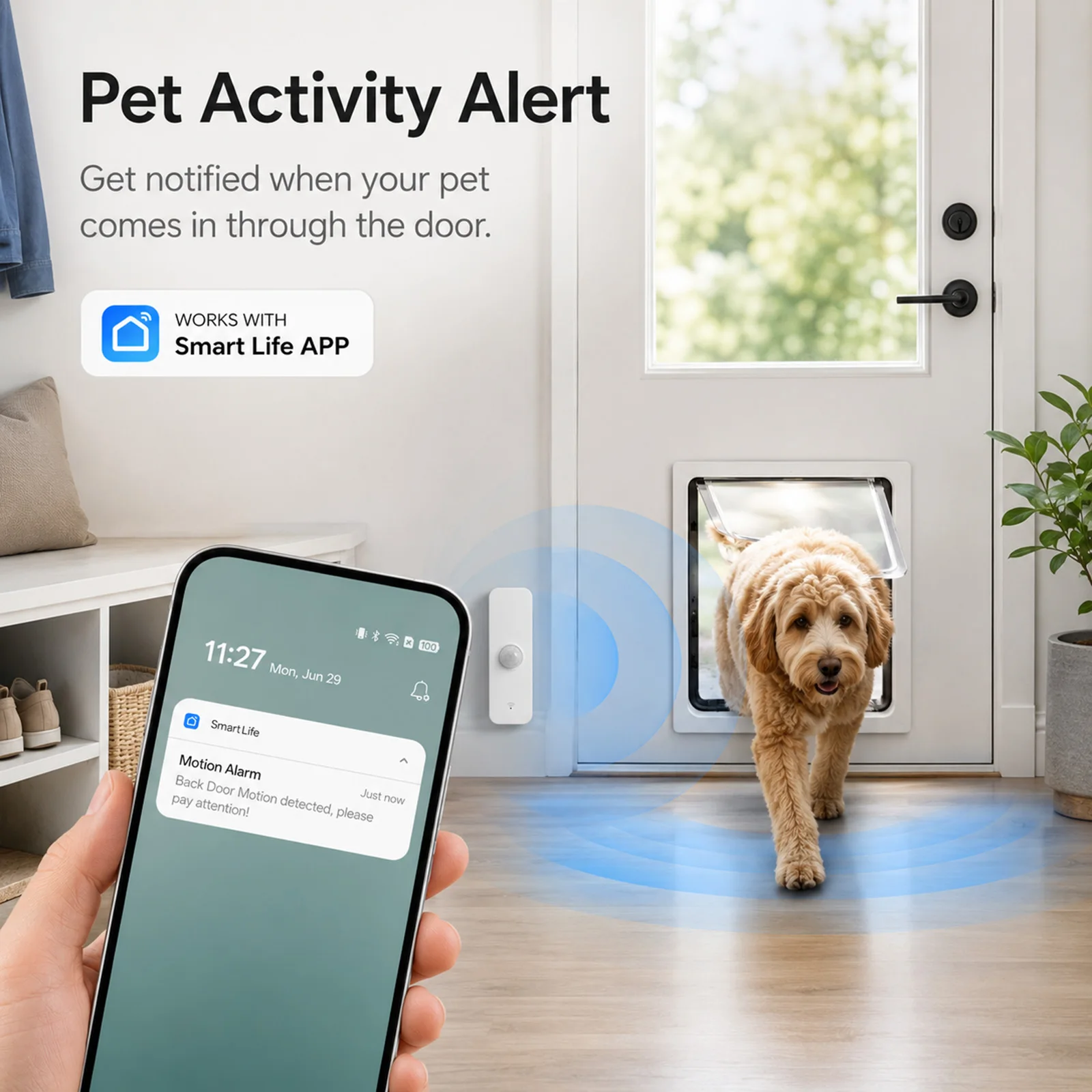
Work with other smart devices,start your smart life,multiple operations make your home smarter!

Detection angle
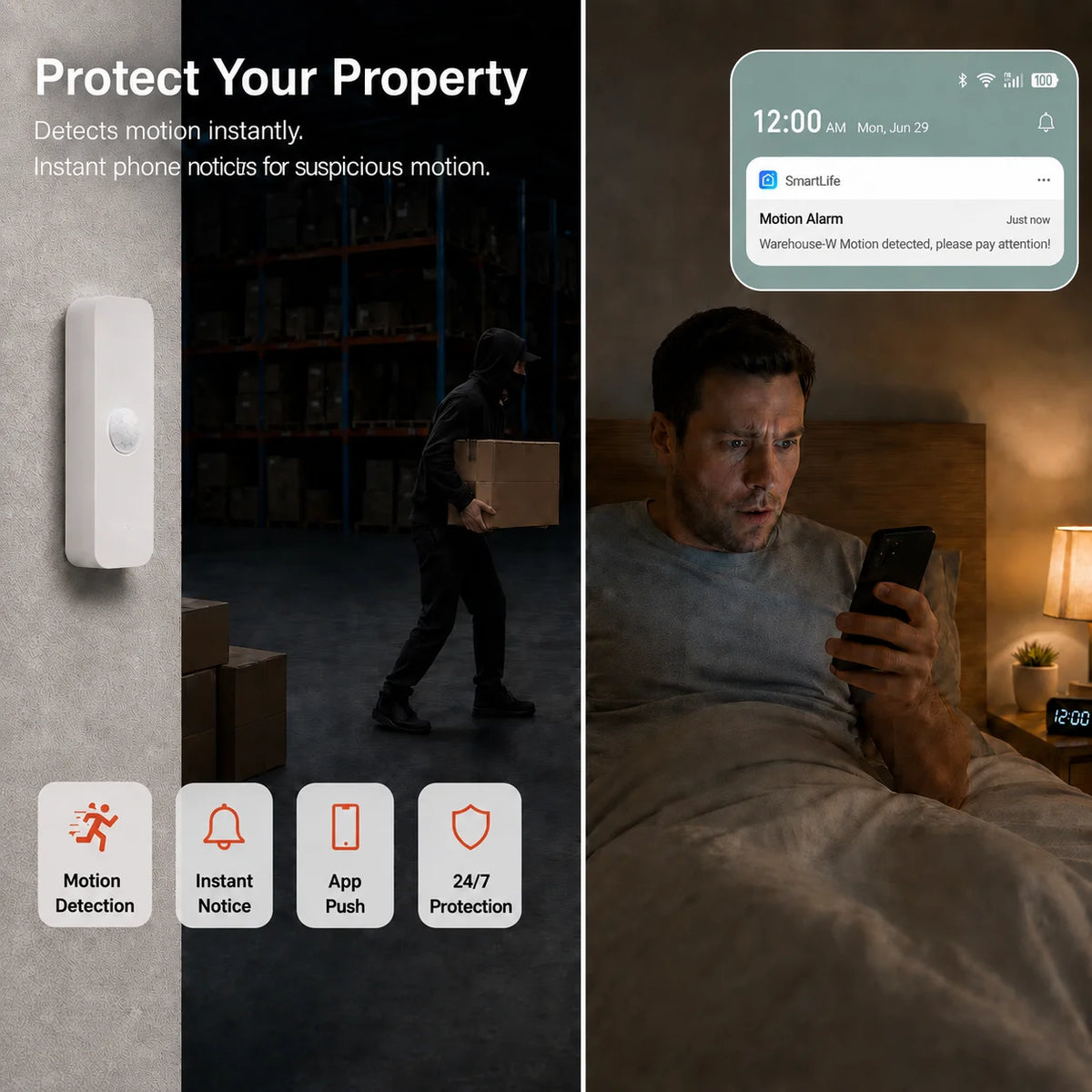
APP Remote Monitor

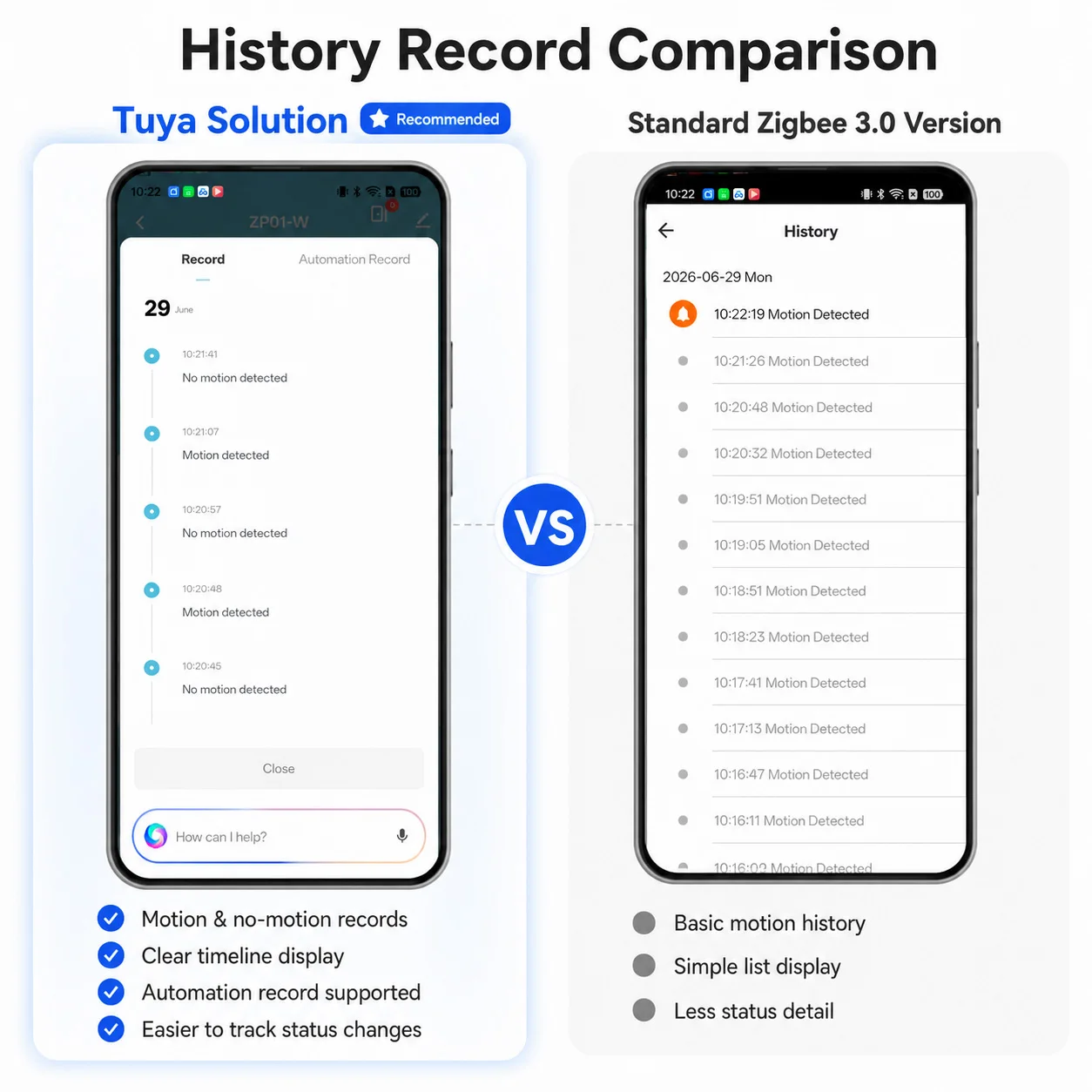
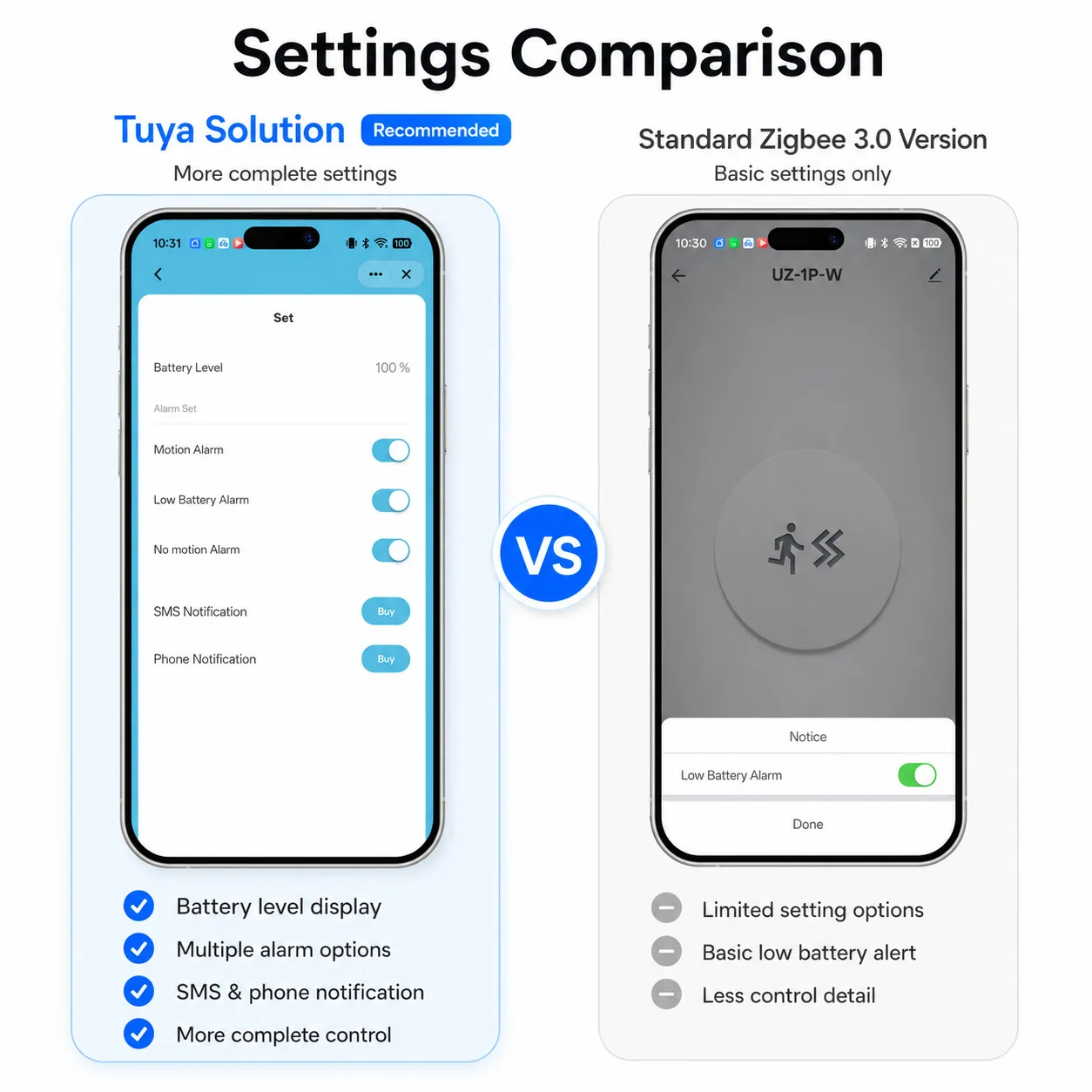
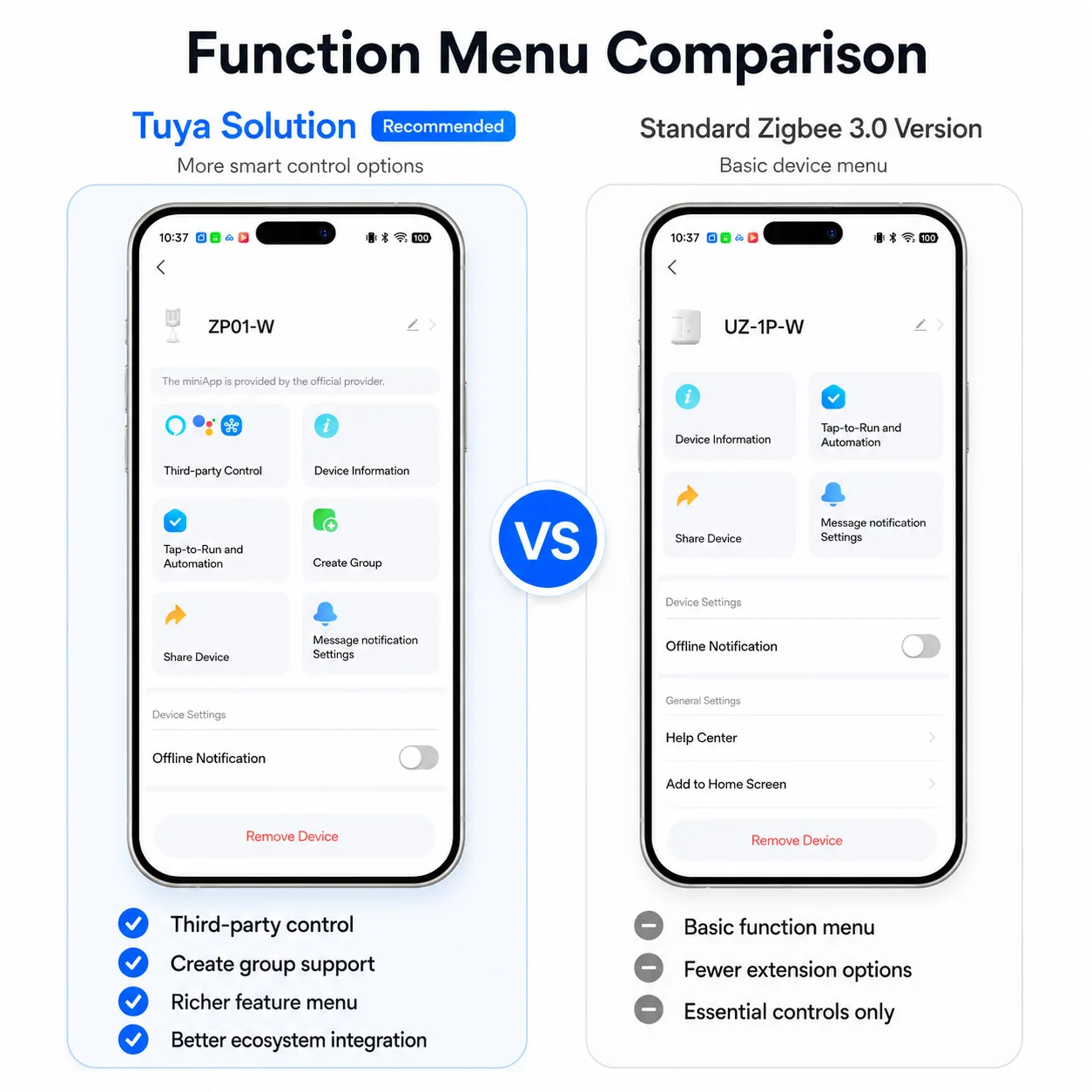
Why Choose Our Tuya Solution?
Choose a richer app interface, clearer motion records, and smarter scene automation.
Better for Smart Life / Tuya Smart users who want an easier and more complete smart home experience.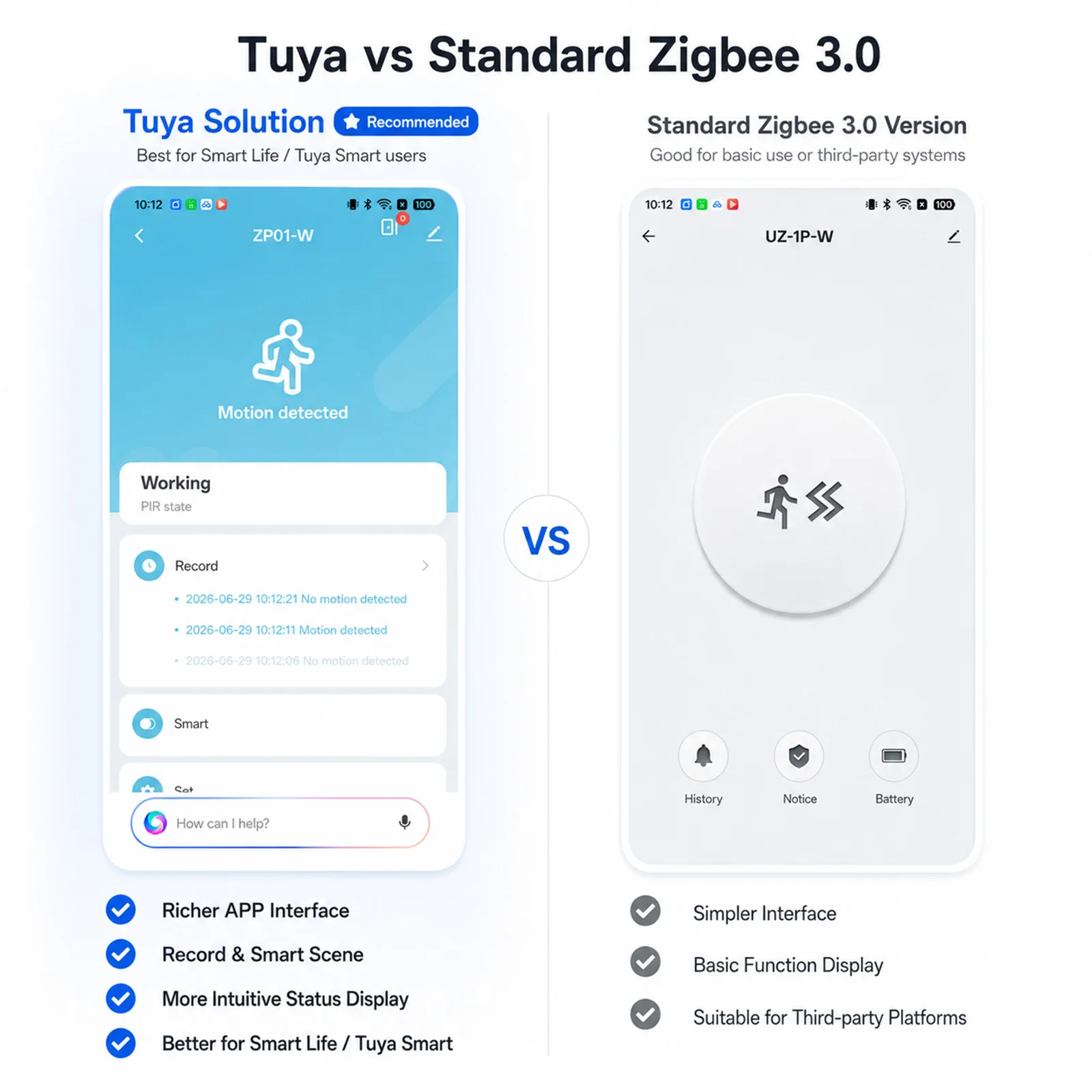
 Product parameters
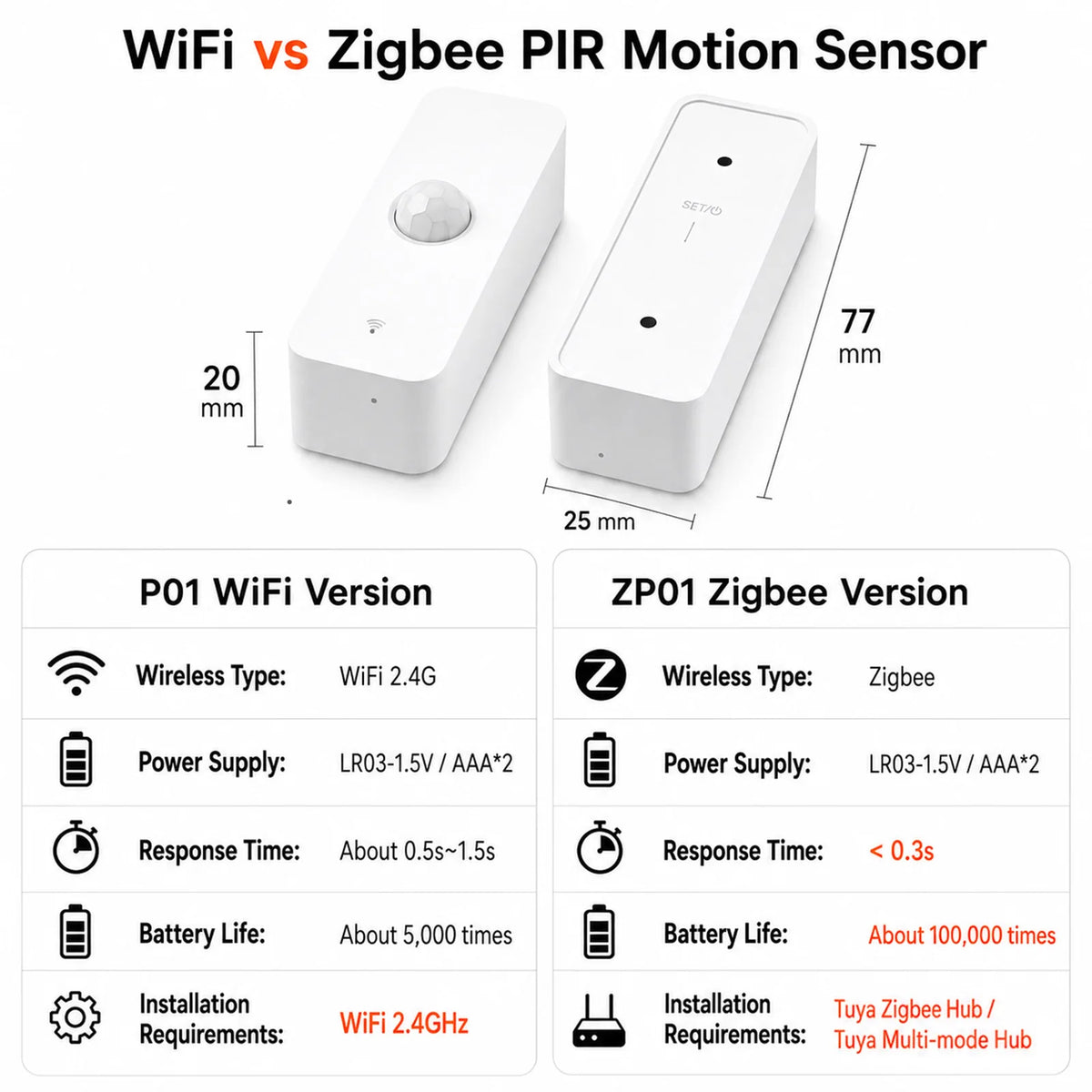
WiFi Version (P01)
- Wireless Type : WiFi 2.4GHz
- Power Supply: LR03-1.5V/AAA*2(not inlcuded)
- Battery Life: About 5000 times trigger.
- Response Time: About 0.5s-1.5s(Relying on WiFi network)
- Installation requirements: WiFi 2.4GHz
Zigbee Version (ZP01):
- Wireless Type : Zigbee
- Power Supply: LR03-1.5V/AAA*2(not inlcuded)
- Battery Life: About 100000 times trigger.
- Response Time: About 0.3s(Relying on Zigbee network)
- Installation requirements: Tuya Zigbee hub or Tuya Multi-Mode Gateway.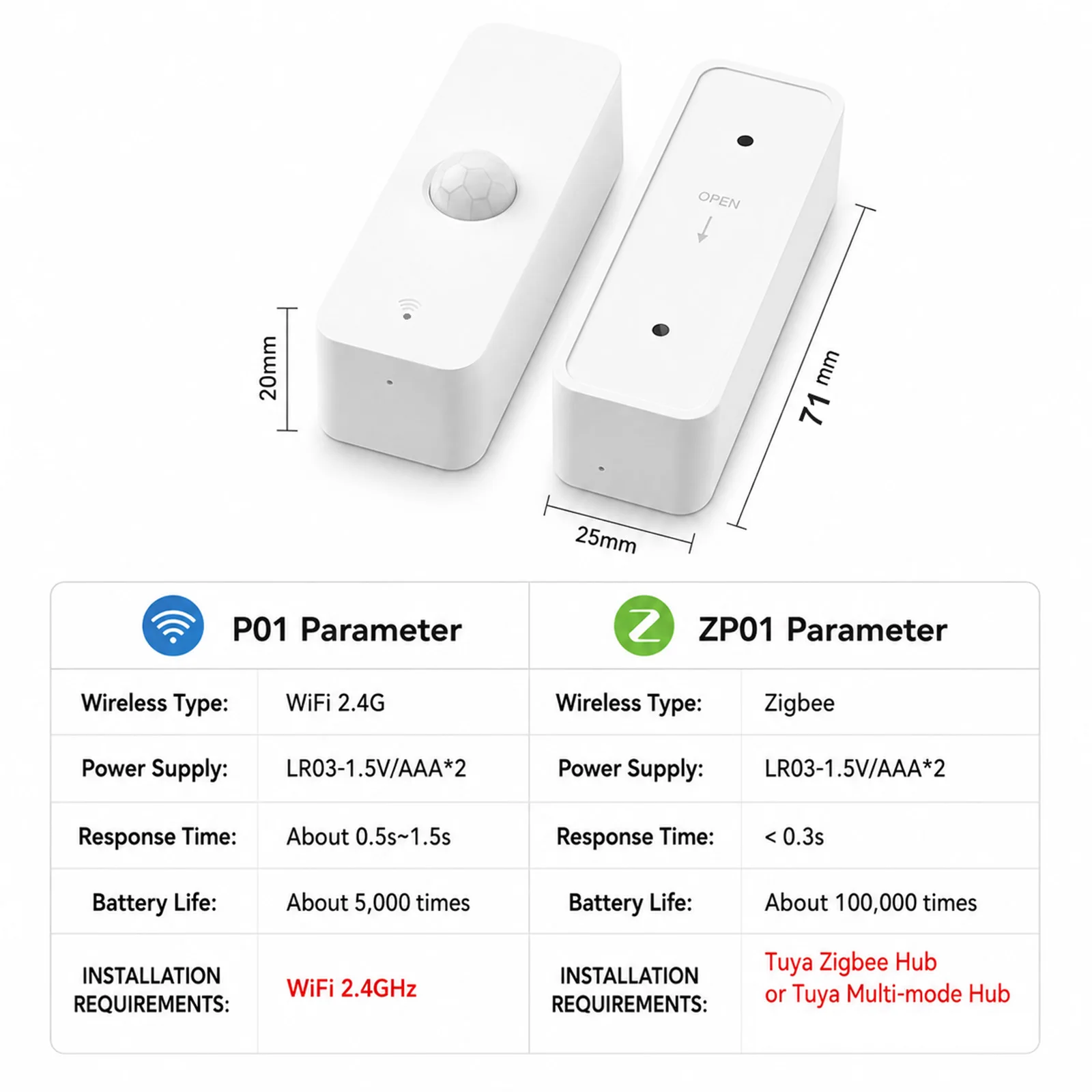
Need a Gateway?
Zigbee version requires a gateway to connect Smart Life / Tuya Smart.
View Compatible Gateway
FQA
Q: What are the necessary conditions for using it?
A: If you purchase a WiFi version :Firstly, you must have a smartphone to install the app. Secondly, you need WiFi at 2.4GHz and the WiFi router needs to be constantly online. If you purchase a Zigbee version: Firstly, you must have a smartphone to install the app. Secondly, you need Tuya Zigbee Hub or Tuya Multi-mode Gateway.
Q: How do I know my WiFi router has a frequency of 2.4GHz, If I Want buy WiFi Version?
A: Most routers come with a 2.4GHz frequency band, and this information is usually marked on the router's nameplate. Some routers default to turning off the 2.4GHz frequency. Please refer to the router's manual to turn on the 2.4GHz frequency.
Q: Can I control it through 2G, 3G, 4G, 5G mobile networks?
A: YES. Operating Smart IR Remote through APP means that as long as your mobile phone can access the Internet (no matter what communication mode), APP can control it. But Smart IR Remote also needs to be constantly online through WiFi.
Q: What do I need to pay attention to when installing it?
A: 1. Please ensure that the WiFi/Zigbee signal at the installation location is good. 2 . The product is not waterproof and can only be used indoors. 3. Avoid facing heat sources such as sunlight, heaters, windows, etc.
Q: Is it using ESP series chips?
A: NO, We no longer manufacture products with built-in ESP series chips.
Q: Can multiple people use it?
A: YES. There are two methods: 1. You can use the sharing function to share with your friends or family. 2. You can create a virtual home
on the app and invite your family or friends to join.
Q: What do I need to do when configuration fails, If I purchase a WiFi version?
A: 1. Check whether the remote control is powered on or not. And ensure that the indicator light of Smart IR Remote is in fast flashing mode.
2. Check whether your mobile device is connected to 2.4GHz WiFi network.
3. Ensure that Smart Life has Bluetooth permission and confirm that the phone has Bluetooth turned on (some phones have low-power Bluetooth in GPS, if so, please ensure that the location information is turned on)
4. Check your network connectivity, make sure the router is working properly.
5. Make sure the WiFi password entered is correct when adding remote control.
6. Confirm that the WiFi router does not have restricted access features, such as Mac address whitelist.
7. If WiFi 2.4GHz and 5GHz use the same SSID, you can try changing the name and have your smartphone connect to WiFi 2.4GHz.
8. If the configuration still fails, please turn off your phone's Bluetooth, long press the Smart IR Remote Reset Button for 5 seconds to switch the device's indicator light to slow flashing mode, and then add it using AP mode. Select the slow flashing indicator light option on the add page to enter AP mode, and the APP page will guide you through the operation.
Q: How should I configure my Smart Speaker / Alexa / Google Home / Yandex Alice ?
A: Smart IR Remote cannot directly connect to third-party smart speakers. They need to provide account links and support through the "Skill" function. You can use the following methods: Smart Life ->Me ->Third Party Services. But the necessary condition for these is that you have already configured Smart IR Remote to Smart Life.
Q:Why do I shake my hands in front of the sensor and the sensor doesn't work?
A: 1. The sensor uses infrared background radiation as the inspection principle.
2. During installation, it is necessary to avoid direct sunlight and other heat sources, as they may interfere with the inspection results.
3. It can only check the changes in background radiation and cannot monitor the movement of background radiation.
4. In order to avoid duplicate alarms, we made logical judgments internally:
--a. If the previous state is "no one state", upon detecting someone, immediately report an alarm and set the state to "Human status". At the same time, turn on the 30 second "Human status countdown" timer, and do not check again before the timer ends.
--b. If "Human status countdown" timer stop ,if there is still someone present, restart "Human status countdown" timer for 30 seconds.
--c. If "Human status countdown" timer stop ,If it remains no nobody for 10 seconds, the sensor sets the status to "no one state" and reports the information.
So it is incorrect to test immediately by waving your arms after the configuration is completed.
The correct testing method should be to completely leave the sensor for at least 40 seconds before reappearing within the sensor's detection range.

Shipping Policy
Thank you for shopping with The Covers Nest!
We’re dedicated to providing you with fast and reliable delivery every time you order.
Processing Time
All orders are processed within 1–2 business days.
During this period, we carefully verify, package, and dispatch your items to ensure they reach you in perfect condition.
Delivery Time
Once shipped, orders are typically delivered within 10–15 business days, depending on your location and local courier services.
International Shipping
We proudly ship worldwide!
International orders may take slightly longer depending on your country’s customs process and postal services — typically 10–20 business days.
Please note that any customs fees, duties, or taxes applied by your country are the customer’s responsibility.
Shipping Confirmation & Tracking
You will receive a shipping confirmation email with your tracking number once your order has been shipped. You can use this number to monitor your shipment’s progress online.
Delays
While we always aim to deliver on time, unforeseen factors such as weather, customs delays, or courier disruptions may occasionally cause delays.
If your order is delayed, please don’t hesitate to contact our support team — we’ll assist you right away.
Contact Us
If you have any questions regarding your order or shipping, please contact our support team at:
📧 sameer.nextcomautomation@gmail.com
Refund Policy
Provided the conditions in our refund policy have been met, refunds will be processed using the original form of payment. You can return an item purchased online by posting it to us. Please contact customer service for return address. Please note that delivery costs will be excluded from the refund unless goods are returned in accordance with your statutory rights (e.g. they are faulty or not as ordered).
- The items with the original receipt are returned within 30 days of purchase.
- Items must be in the original condition as purchased with all labels/tickets attached.
Provided the conditions in our refund policy have been met, refunds will be processed using the original form of payment. You can return an item purchased online by posting it to us. Please contact customer service for return address. Please note that delivery costs will be excluded from the refund unless goods are returned in accordance with your statutory rights (e.g. they are faulty or not as ordered).
Pairs well with
In stock! Ships within 3-5 business days.
24/7 Support
Complimentary shipping & returns
Tuya Zigbee WiFi PIR Motion Sensor Smart Home Infrared Human Body Detector Security Alarm Works with Alexa Google
HELP CENTER
Frequently Asked Questions
How do I choose the right phone case?
Select your exact phone brand and model before ordering. Check the product details carefully to make sure the case is compatible with your device.
Will this case fit my phone model?
Check the product title, description, and available model options before purchasing. Different models may have different dimensions and camera layouts.
Do your cases protect against drops?
Protection depends on the specific case and its materials. Review the product description for its stated protection features. No case can guarantee protection from every impact.
Are your cases MagSafe compatible?
Compatibility varies by product. Check the individual product listing for MagSafe and magnetic accessory support before ordering.
How long does shipping take?
Delivery times depend on processing, shipping method, and destination. Check the shipping information at checkout and our shipping policy for current estimates.
How can I track my order?
Check your shipping confirmation email for tracking details once your order has shipped. Contact our support team if you need help.
What is your return policy?
Please review our official return policy for eligibility, conditions, and time limits before ordering.
What if my item arrives damaged?
Contact us with your order number, a description of the issue, and clear photos where applicable. Our team will review your request under the store's policies.
Still have questions?
We're here to help you find the right case for your device.
If you have any questions, you are always welcome to contact us. We'll get back to you as soon as possible, within 24 hours on weekdays.
-
Shipping Information
Use this text to answer questions in as much detail as possible for your customers.
-
Customer Support
Use this text to answer questions in as much detail as possible for your customers.
-
FAQ’s
Use this text to answer questions in as much detail as possible for your customers.
-
Contact Us
Use this text to answer questions in as much detail as possible for your customers.
Why Choose CoversNest?
Engineered for ultimate drop protection, sleek ergonomics, and seamless MagSafe compatibility. Elevate your everyday carry with our premium cases.


Free shipping and returns